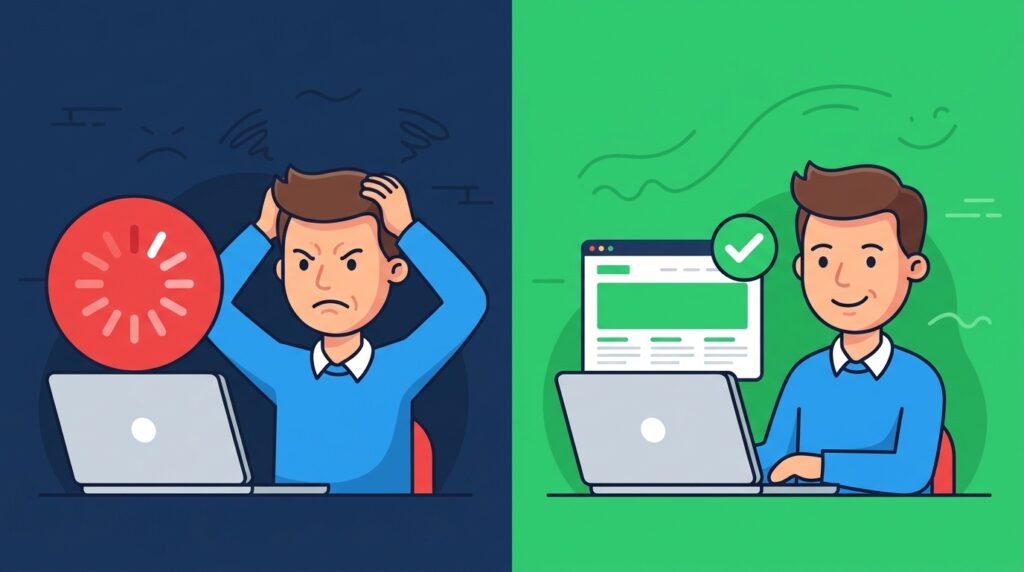
Every second your page takes to load, you lose visitors. Google research shows that a 1-second delay in mobile page load times drops conversions by up to 20%. If your site takes 4 seconds to load, you’re bleeding customers before they even read a word.
But here’s what most small business owners don’t know: most slow websites are slow for the same handful of reasons and they’re all fixable.
The Hidden Cost of a Slow Website
Think about your website like a physical storefront. If a customer walks in and waits more than a few seconds for help, they leave. Online is the same except they don’t even give you the courtesy of a dirty look on the way out. They just hit back and never come back.
Google uses page speed as a ranking signal. A slow site doesn’t just lose visitors it loses search visibility too. That’s a double hit to your business.
Why Your Site Is Slow: The Usual Suspects
1. Your hosting is overcrowded
Budget shared hosting puts hundreds of sites on the same server. When your neighbor’s traffic spikes, your page slows down. If you’re paying less than $10/month and wondering why things drag, that’s why.
2. Images are too big
An unoptimized hero image can be 5MB. A properly compressed one can be 80KB. That’s a 60x difference in load time. Most small business sites are bloated with oversized images nobody ever touched.
3. Too many plugins doing too much
Each plugin adds JavaScript and CSS to every page load. Twenty plugins isn’t twenty times the functionality it’s twenty times the overhead. Most sites only need a fraction of what they’re running.
4. No caching
Without caching, your server rebuilds every page from scratch every time someone visits. That’s like assembling a pizza from scratch for every order instead of keeping one ready.
5. Your WordPress theme is heavy
Some themes are built for looks, not speed. They load design frameworks, animation libraries, and custom fonts you’re not even using.
How to Fix It: The Fixes That Actually Work
Audit your hosting first
Switch to managed WordPress hosting if you’re on shared. Providers like Kinsta, WP Engine, or even a well-configured VPS will eliminate the “neighbor traffic” problem entirely. This alone can cut load time in half. We offer lighting fast managed hosting packages!
Compress and resize every image
Use a tool like ShortPixel or Imagify to bulk-compress your existing images. Going forward, resize images to exactly the dimensions you need before uploading don’t upload a 4000px wide photo for a 600px wide hero.
Audit your plugins
Deactivate and delete anything you’re not actively using. Run a speed test with GTmetrix or Google PageSpeed Insights both before and after you’ll see exactly what each plugin costs you.
Install a caching plugin
WP Rocket or Swift Performance Pro cache your pages, compress files, and lazy-load images with zero technical knowledge required.
Switch to a lightweight theme
If your current theme is dragging you down, a lightweight starter theme or a framework like GeneratePress can cut your load time by seconds.
When to Call a Pro
If you’ve tried the basics and your site is still dragging, the problem is probably deeper server-level caching, database optimization, CDN setup, code-level issues. That’s a two-hour job for someone who knows what they’re doing, not a weekend project.
That’s exactly what our maintenance plans cover. We audit, fix, and keep your site running fast so you can focus on your business.
FAQ
How do I test my website speed?
Use Google PageSpeed Insights (free) or GTmetrix. Aim for a load time under 3 seconds on mobile.
Will switching hosting really make that much difference?
Yes. Shared hosting is the most common cause of slow small business sites. Moving to managed WordPress hosting typically cuts load time by 40-60%.
What’s lazy loading?
Lazy loading delays loading images until the user scrolls to them. It dramatically speeds up initial page load, especially on image-heavy pages.
How many plugins is too many?
There’s no magic number it’s about what they do. A well-coded plugin is better than five poorly-coded ones. Audit what each plugin is actually loading.
The Bottom Line
Your website is your storefront. Would you let a slow cashier drive away your customers? Don’t do it online either.
Run a free speed test. If your score is below 70, something is wrong. If it’s below 50, something needs attention today.