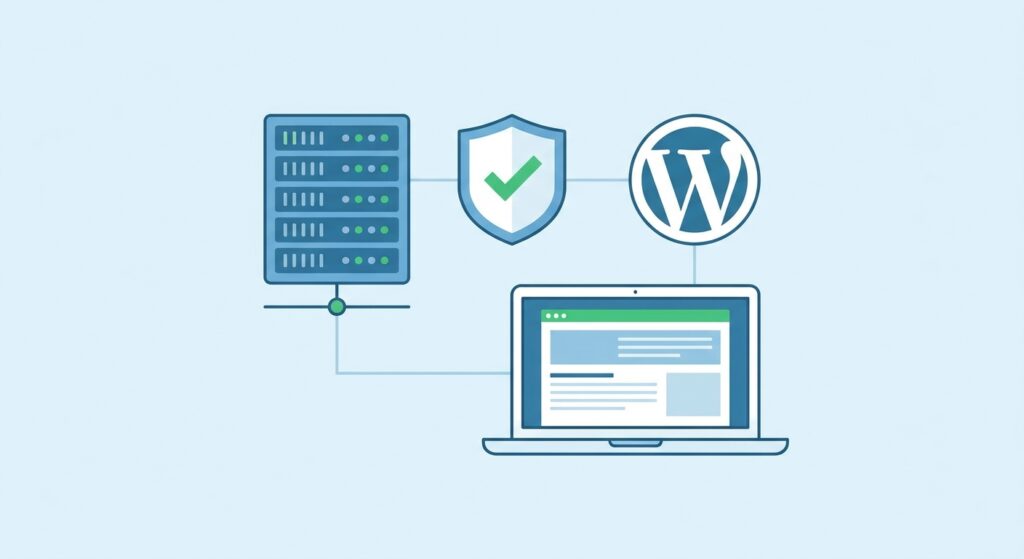
The Three Tiers of “Managed” Hosting
Not all managed hosting is created equal. Here is what is actually being sold:
Shared “Managed” WordPress — Your site lives on a server with thousands of others. They call it managed because they auto-update plugins. That is it. Your load time is someone else’s problem.
Semi-Managed VPS — You get a control panel and someone to reboot the server when it falls over. Root access included for when you need to fix what they broke.
True Managed WordPress — Security, performance, updates, backups, and your calls returned the same day. You focus on your business. They focus on your site.
What You Actually Get With Real Managed Hosting
When I host a site, here is what is running underneath:
- LiteSpeed web server — 3-5x faster than Apache, no configuration needed from you
- Automatic WordPress core updates — applied within 24 hours of a security release
- Plugin vulnerability monitoring — outdated plugins get flagged before they become a breach
- Daily offsite backups — retained for 30 days
- Server-level DDoS protection — before your application even sees the traffic
The Hidden Cost of Cheap Hosting
A $5/month hosting plan is not cheap. It is deferred cost.
Here is what I see when cheap hosting goes wrong:
- Site loads 8 seconds — visitor bounces, Google notices, rankings drop
- Plugin conflict destroys the database — no backup, no restore, rebuild from scratch
- Shared server gets flagged as spam — your IP is now on a blocklist
- Server runs out of memory at 2am — you are debugging WordPress white screens until sunrise
Every one of those situations costs more than a year of proper managed hosting.
Who Managed WordPress Hosting Is For
This is not for everyone. If you are running a brochure site that gets 200 visits a month and you enjoy debugging PHP errors at midnight, shared hosting is fine.
Managed WordPress hosting makes sense when:
- Your business runs on your website (e-commerce, leads, bookings)
- You do not have time to be an accidental sysadmin
- Site downtime costs you money or reputation
- You are tired of “what do you mean the plugin update broke everything”
- People are struggling to use your site because of slow load times.
What to Ask Any Host Before You Sign Up
Do not take “managed” at face value. Before you pay:
- What happens when my site gets hacked? (Should be: “We restore from backup, no questions asked, at no extra cost”)
- How fast are security updates applied? (24-72 hours is acceptable, longer is a risk)
- Where are backups stored? (Offsite, multiple copies, at least 14-day retention)
- What is your uptime SLA? (99% minimum, and they should have a credit policy if they miss it)
The Bottom Line
“Managed” is a marketing word. What matters is what they actually do when something breaks, how fast they respond, and whether your site is faster or slower than it would be on a shared box.
I manage WordPress sites because I enjoy the operational side. If you do not, that is a good sign you should be paying someone who does.
Need a site that just works? I offer managed WordPress hosting that covers everything above — security, backups, speed, and a human who picks up the phone. Get in touch.