The true cost of DIY website maintenance
DIY website maintenance looks free. No invoice shows up, so it feels like you’re saving money by handling updates, backups, and security yourself. But the cost didn’t disappear, it just moved. It’s coming out of your hours, your site’s speed, and the risk you’re quietly carrying every month. This post is for small business owners who run their own WordPress site and want the honest math: what DIY website maintenance actually costs, where the hidden bills are, and the point where paying someone $40 to $299 a month is genuinely cheaper than doing it yourself.
TL;DR: DIY maintenance typically costs 2 to 4 hours of your time each month, plus the risk of a hack cleanup ($299 with us), lost sales from a slowing site, and a backup you’ve never actually tested. For most owners, that adds up to more than managed hosting at $40 a month.
- What website maintenance actually involves
- Cost #1: your time
- Cost #2: the risk you’re carrying
- Cost #3: the slow drift that costs sales
- The real comparison: DIY vs. paying someone
- Frequently asked questions
What website maintenance actually involves
Website maintenance is the recurring work that keeps a site secure, fast, and online: software updates, backups, security monitoring, and performance checks. It matters because a website is not a finished product. WordPress core, your theme, and every plugin ship updates constantly, and skipping them is how sites get hacked, break, or quietly slow down.
Here’s the actual monthly checklist for a typical WordPress site:
- Update WordPress core, the theme, and every plugin (then check nothing broke)
- Verify backups are running, and periodically test that one actually restores
- Review security scans and uptime alerts
- Renew and verify SSL, domain, and hosting when they come due
- Check page speed hasn’t degraded as content and plugins pile up
None of these are hard individually. The problem is that they never stop, and the penalty for skipping them arrives months later, all at once.
Cost #1: your time
Run your own numbers on this. Done properly, the checklist above takes a couple of hours a month, more in a month where an update breaks something and you’re searching forums at 10pm. Call it 2 to 4 hours.
Now price your hour honestly. If your time is worth $50 an hour to your business (most owners we work with would say it’s higher), DIY website maintenance is costing you $100 to $200 a month before anything goes wrong. That’s already more than our managed hosting, which starts at $40 a month and includes updates, backups, monitoring, and malware scanning.
And that math assumes you actually do the work. In practice, maintenance is the first thing that slides when the business gets busy, which is exactly when your site is getting the most traffic.
Cost #2: the risk you’re carrying
Skipped updates are not a cosmetic problem. Patchstack’s State of WordPress Security report found that 96.77% of new WordPress vulnerabilities disclosed in 2023 were in plugins, not WordPress core. Every month a plugin sits un-updated on your site, you may be running software with a publicly documented hole in it.
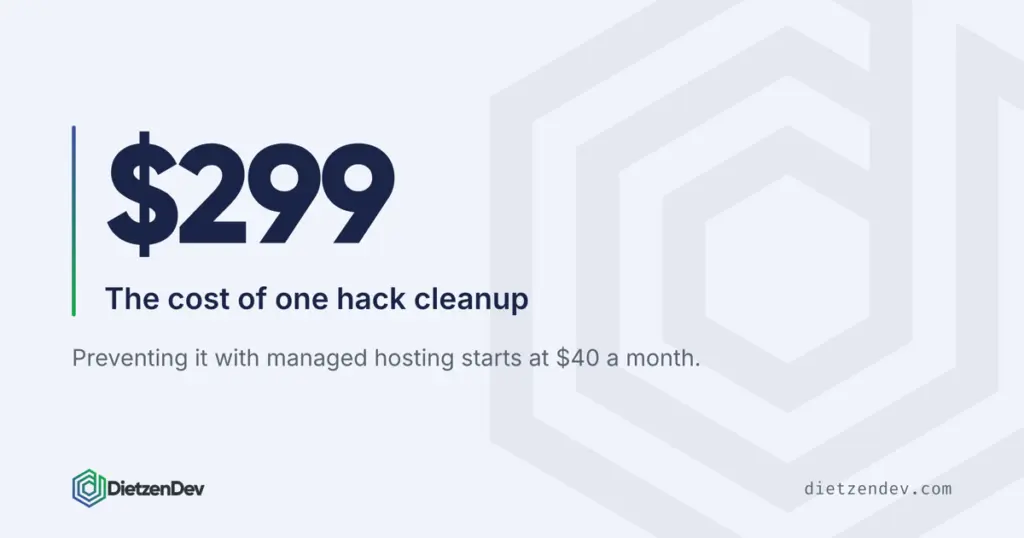
When that catches up with you, the bill is concrete. We charge $299 for a hack cleanup. That’s the cheap version, where the damage is contained. The expensive version includes days of downtime, a “this site may be hacked” warning in Google, and customers who saw it. Prevention is a $40-a-month line item; recovery is a bad week.
The other risk is the backup you’ve never tested. A backup that has never been restored is a hope, not a plan. Plenty of DIY setups have backups that stopped running months ago, or back up to the same server that just failed. You find out which kind you have on the worst possible day.
Cost #3: the slow drift that costs sales
Unmaintained sites don’t usually die suddenly. They drift. Plugins accumulate, images go unoptimized, the database bloats, and the site that loaded in two seconds at launch takes five a year later. Nobody emails you about it; visitors just leave.
The revenue impact of speed is well documented. A Deloitte study of over 30 million user sessions found that improving mobile site speed by just 0.1 seconds lifted retail conversion rates by 8.4% and lead-generation form progression by 21.6%. Speed drift works the same way in reverse: every fraction of a second your site slows down, some percentage of would-be customers quietly gives up.
Maintenance is what holds that line. Speed checks, cleanup, and disciplined plugin management are boring, which is why they’re the first DIY task to get skipped and the most expensive one to skip.
The real comparison: DIY vs. paying someone
Here’s the honest side-by-side for a typical small business site:
| Factor | DIY maintenance | Managed hosting ($40 to $80/mo) | Hands-Off Website ($299/mo) |
|---|---|---|---|
| Cash cost | $0 (plus hosting you already pay) | $40 to $80 a month | $299 a month, no setup fee |
| Your time | 2 to 4 hours a month | Near zero for maintenance | Near zero, content edits included |
| Updates and security | You, when you remember | Handled, with malware scanning | Handled |
| Backups | Yours to configure and test | Daily backups on Professional and up | Daily backups included |
| Content changes | You | You | We make them within 2 business days |
| When something breaks | Your evening | Our problem, same business day | Our problem, same business day |
The pattern: managed hosting makes sense when you’re happy with your site and just want the maintenance burden gone. The website subscription makes sense when you want the whole thing handled, the build, the hosting, the security, and the ongoing changes, for one flat $299 a month. And DIY makes sense when you genuinely enjoy the work and will actually do it every month. That last group is real, but it’s smaller than the number of people who think they’re in it.
Frequently asked questions
How much does website maintenance cost for a small business?
Professionally managed WordPress maintenance typically runs $40 to $150 a month depending on what’s included. Our managed hosting starts at $40 a month with updates, backups, monitoring, and malware scanning. DIY is free in cash but usually costs 2 to 4 hours of owner time a month, plus the risk of doing it inconsistently.
Can I maintain my WordPress site myself?
Yes, and plenty of owners do. You need to update core, themes, and plugins regularly, run and test backups, and watch security alerts. The honest question isn’t whether you can, it’s whether you’ll still be doing it consistently in month eight, when the business is busy and nothing has broken yet.
What happens if I stop updating WordPress plugins?
Your site keeps working, which is the trap. Meanwhile, 96.77% of new WordPress vulnerabilities disclosed in 2023 were in plugins, so outdated ones may carry publicly documented security holes. Automated attacks scan for exactly these. The typical outcome isn’t an immediate crash, it’s a quiet compromise discovered weeks later.
How often should I back up my website?
Daily, stored somewhere other than the server the site runs on. Just as important: test a restore at least a couple of times a year. A backup you’ve never restored is unverified, and backup jobs fail silently more often than people expect.
What’s the difference between managed hosting and a website subscription?
Managed hosting ($40 to $80 a month) keeps your existing site updated, backed up, monitored, and online; content changes stay your job. The Hands-Off Website ($299 a month) covers everything: a custom-built site up to 12 page designs, hosting, security, and content edits done for you within 2 business days.
If someone else maintains my site, do I still own it?
With us, yes. Managed hosting clients own their sites outright with no contracts. Website subscription clients own their site at the end of the 18-month term. The plan then continues month-to-month, and they can take the site to any host whenever they leave. Ownership is a fair thing to confirm with any provider before signing.
The bottom line
DIY website maintenance is never free. It costs hours every month when you do it, and it costs far more when you don’t: a $299 hack cleanup, a dead backup, or a site that’s quietly gotten slow enough to lose sales. For most small business owners, $40 a month to make that someone else’s job is the cheaper option once you price your own time honestly.
Not sure which side of that line you’re on? Request a free website review and we’ll tell you plainly what shape your site is in, what maintenance it’s missing, and whether DIY is still serving you. No pitch, just the same math we walked through here, run on your actual site.